

01
Clipboard tracking without the backlog
Turn tracking on, copy a file or text, and keep it close. DropK is for the clips you still plan to use, not every clip you have ever copied.
 Productivity for macOS
A small shelf for the things you are about to use. Drop in files, copy text, keep links or screenshots nearby, and move them on when the job is done.
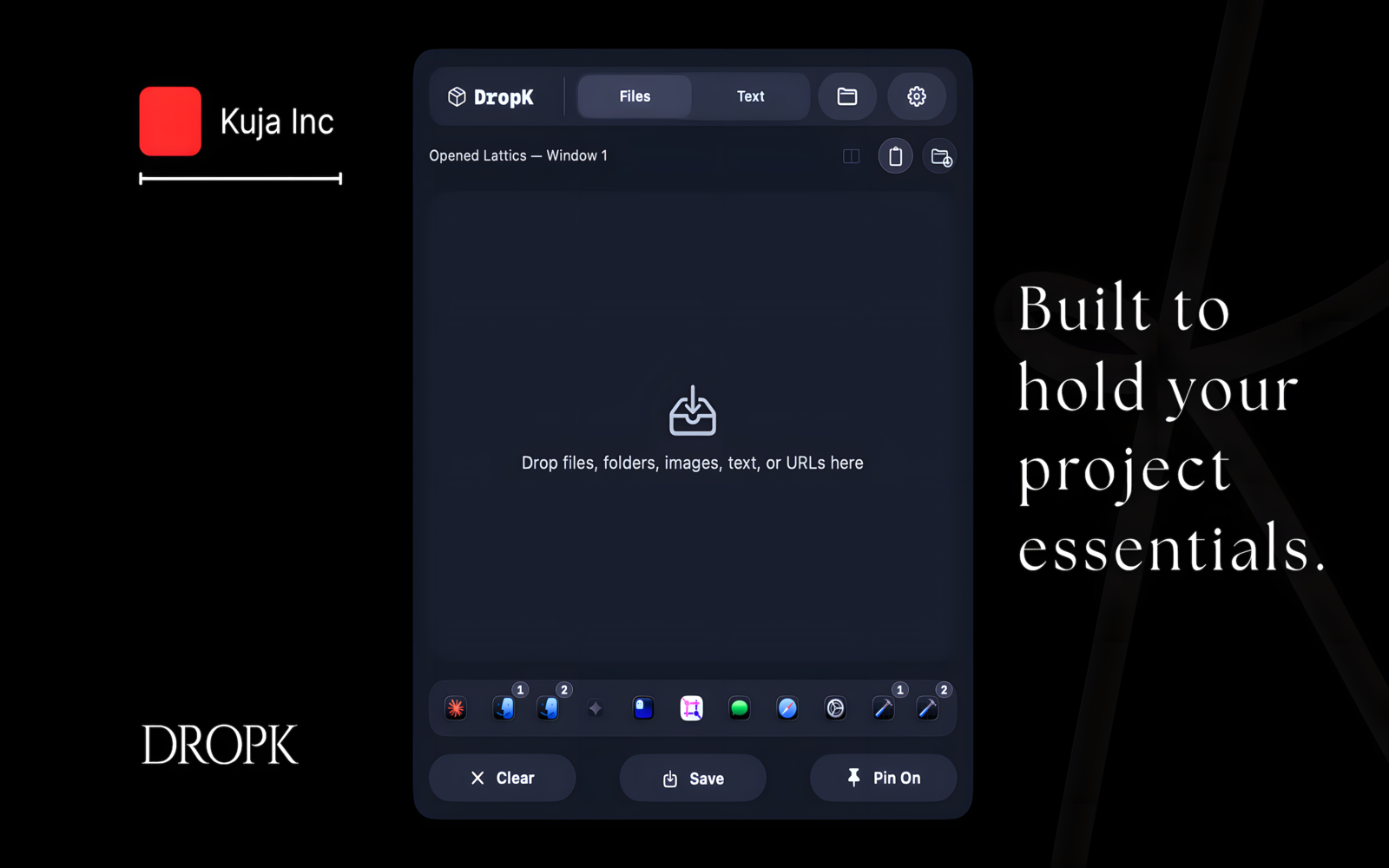
In the desktop you actually use
DropK sits above the desktop without taking it over. The shelf adapts to the wallpaper, the window, and the moment.


Workflow
The regular clipboard carries one thing. A history list remembers too much. DropK keeps the items for this job visible, so they do not disappear into the pile.
Turn tracking on, copy a file or text, and keep it close. DropK is for the clips you still plan to use, not every clip you have ever copied.

Use vertical or horizontal layouts when there are more files, longer notes, or both. The shelf stays readable without forcing every job into the same shape.
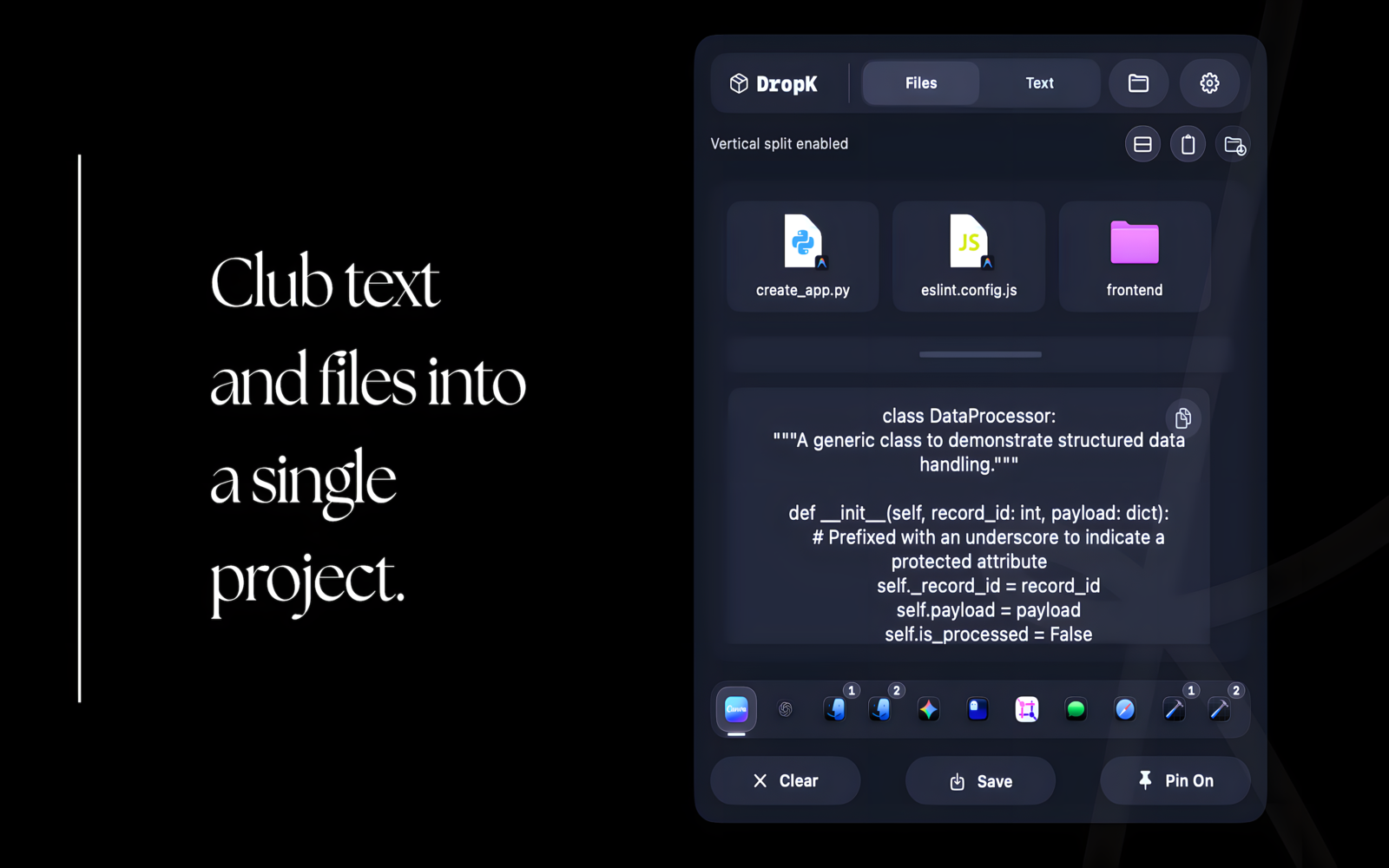
Gather assets, notes, references, and upload files in the same place. It helps when a task is made of small pieces that only need to stay together for a while.


Some groups are worth keeping. Save a set once, then bring it back when the same files, text, or project setup returns.

Open text mode when a copied sentence needs cleanup, a snippet needs trimming, or a reusable bit of writing needs one last pass.

Point saved drop and text layouts to folders that make sense for you. Collect what you need, save what is reusable, and keep moving.